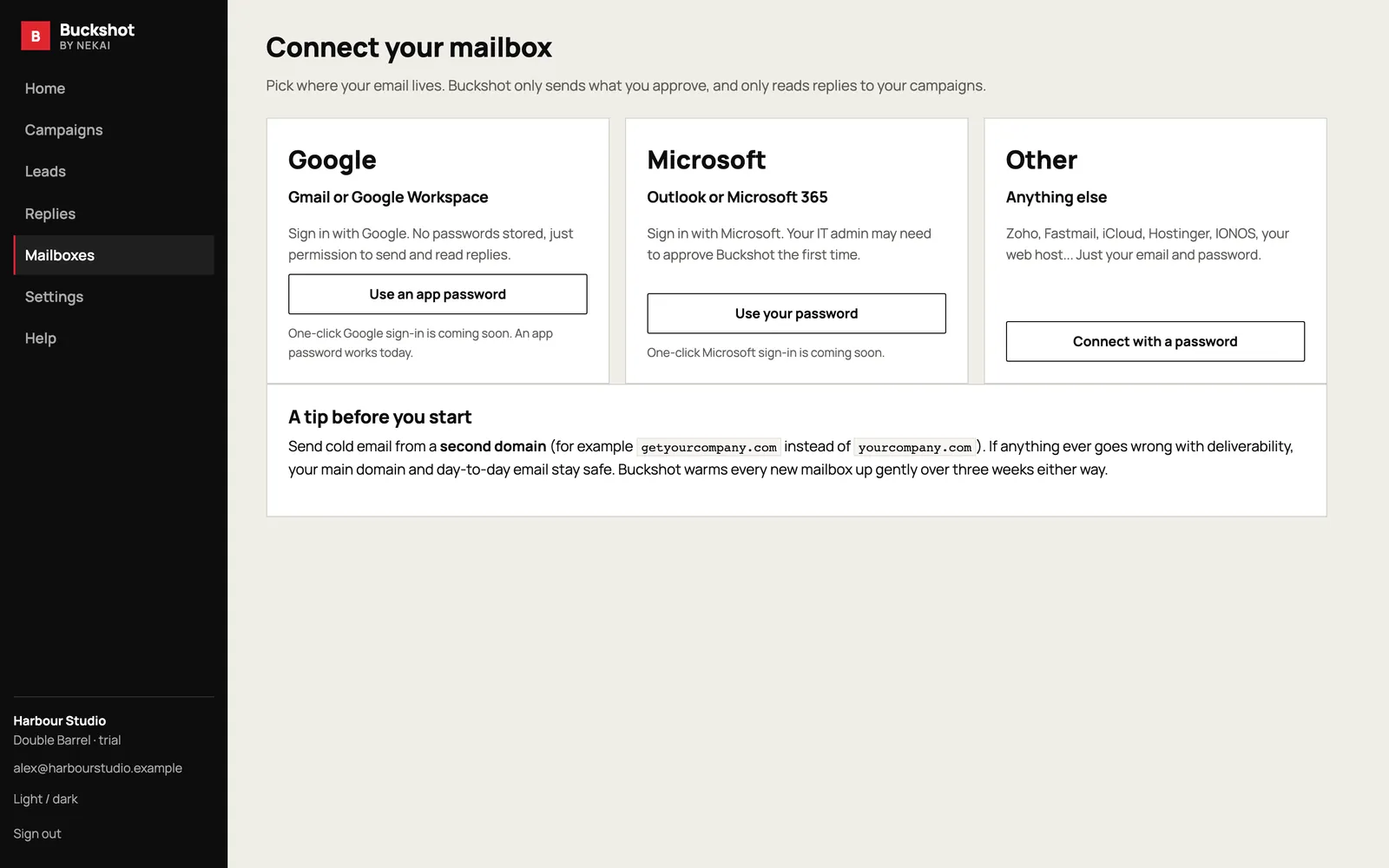
If you’re starting cold outreach, the best thing you can do is send from a second domain, such as getyourcompany.com rather than yourcompany.com. If anything goes wrong with deliverability, your main domain and everyday email stay safe. But a brand-new domain has no history, and inbox providers are wary of senders they don’t know. Warming it up is how you earn their trust.
1. Set up the records that prove you’re genuine
Before sending anything, add three DNS records with your email provider’s help. SPF lists the servers allowed to send for your domain. DKIM signs each email so it can’t be tampered with. DMARC tells inbox providers what to do with email that fails those checks; start with a policy of “none” while you watch the reports.
2. Give the domain a real home
Put a simple web page on the sending domain that says who you are and links to your main site. People who look you up, and some spam filters, check that the domain belongs to a real business.
3. Start small and build up
Send a small number of emails a day in the first week and increase gradually over three or four weeks. A sensible pattern is around 10 a day in week one, 20 in week two, 30 in week three and around 40 after that, per mailbox. If you need more volume, add mailboxes rather than pushing one harder.
4. Send like a person
Spread emails across working hours with gaps of a few minutes, keep them short and plain, avoid lots of links and images, and never send in bursts. Replies are the strongest positive signal you can earn, so write emails people want to answer.
5. Watch your bounces
Bounces from old or made-up addresses are one of the fastest ways to lose trust. Clean your list before you start, and if several emails bounce in a week, stop and fix the list before sending more.
Or let Buckshot do it
Buckshot checks your SPF, DKIM and DMARC records when you connect a mailbox, starts every new mailbox on a gradual warm-up, sends only in your working hours with natural gaps, and pauses automatically if bounces climb. Register your interest to be first in.