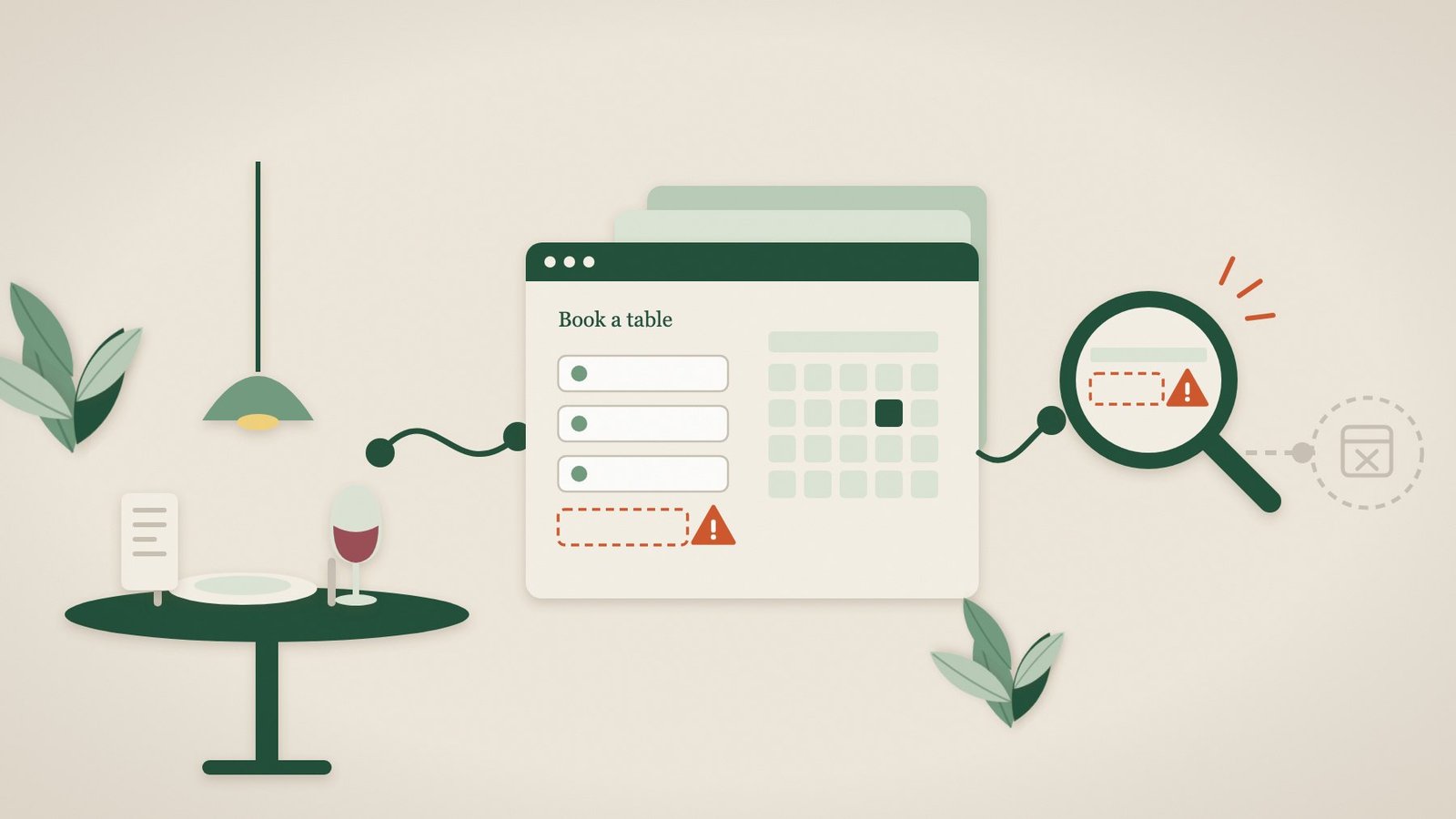
It is a busy Friday. The kitchen is full, the phone is quiet and the online diary for next week looks thinner than usual. Nobody has complained. That is the problem: when a restaurant, pub or hotel website stops taking bookings, guests rarely ring to tell you. They simply book somewhere else.
Most hospitality websites now rely on tools that sit on top of the website itself: a table booking widget, a hotel booking engine, a gift voucher shop, an events enquiry form. Each can fail while the homepage still looks perfect. This guide covers seven failures we see most often, a ten-minute check you can do yourself and how to stop relying on luck to notice.
Why hospitality websites fail without anyone noticing
A reservation system such as OpenTable, ResDiary, SevenRooms or DesignMyNight is usually added to your website as a small piece of embedded code. The website and the booking tool are run by different people, updated at different times and loaded from different places. When one side changes, for example after a website plugin update, a new cookie banner or a change on the booking provider’s side, the join between them is where things break.
The page still loads, so an ordinary “is the website up?” check stays green. Staff are busy with guests, not testing the website. And the people who find the fault, would-be guests on their phones, have no reason to report it.
7 silent failures that cost hospitality businesses bookings
1. The table booking widget does not load
The most common failure is also the most expensive: the space where the booking widget should be is blank, or shows a spinner that never finishes. Typical causes include a caching or speed-optimisation plugin delaying the widget’s code, a cookie consent tool blocking it until the guest accepts cookies, or embed code copied from an old account. We wrote about a very similar fault in our booking form case study, where caching broke a booking journey on a website that was otherwise healthy.
2. Dates and times appear, but nothing can be selected
Sometimes the widget loads but the journey stalls: the calendar shows no availability, the party-size selector does nothing or the “Find a table” button does not respond. A genuinely full diary is fine. A diary that looks full because the widget is pointing at an old venue ID or a closed booking channel is not, and from the outside the two look identical.
3. The “Book a table” button goes to the wrong place
After switching booking provider, refreshing the website or changing a page address, buttons in the header, footer, Google Business Profile and Instagram bio can keep pointing to the old booking page. The guest sees an error page or an old system, and gives up.
4. The menu is missing or out of date
Menus are often uploaded as PDFs. When a new menu replaces the old file, links on the website, in emails and on social profiles can break. Guests who cannot see the menu are much less likely to book, particularly for a first visit or a special occasion.
5. The hotel booking engine hand-over fails
Hotel websites usually pass the guest from a “Check availability” form on the website to a separate booking engine. If the chosen dates do not carry across, the engine shows an error or the hand-over opens a blank page, the guest is lost at the most valuable moment of the visit.
6. Event, function and wedding enquiry forms stop working
Private dining, Christmas parties and weddings can be worth far more than a normal table, and they almost always start with a form. Forms can fail visibly, with a button that does nothing, or invisibly, with enquiries sent to an old inbox or caught by a spam filter. Either way, the enquiry never reaches your events team.
7. The SSL certificate or domain expires
When a security certificate lapses, browsers show a full-page warning instead of your website. When a domain renewal fails, the website can disappear completely. Both usually happen because a renewal reminder went to someone who has left, or a payment card expired.
A 10-minute check you can do today
You do not need technical knowledge to test the journey most guests take. Do this on your own phone, using mobile data rather than the venue Wi-Fi:
- Open a private browsing window and search for your venue on Google, as a guest would.
- Tap through to your website and accept the cookie banner. Then repeat in a new private window and reject non-essential cookies. The booking widget should work both ways.
- Try to book a table for next Friday: choose a date, time and party size, and go as far as the final confirmation screen without confirming.
- Open your menu from the homepage, and from the link on your Google Business Profile and Instagram bio.
- If you have one, open the events or private-dining enquiry form and check it loads. Once a month, send a real test enquiry and make sure it arrives with the right person.
- Look for the padlock beside your web address, and check when your domain renewal is due.
If everything works, well done: that is today covered. The trouble is that each of these can break tomorrow, and nobody is going to repeat this check every few hours.
Why “the website is up” is not enough
Most basic uptime monitors ask one question: did the server reply? That catches a website that has gone down completely, but not a booking widget that has stopped loading, a date picker that does nothing or a hand-over to a booking engine that fails. For a hospitality business, those are the failures that matter.
| Failure | Basic uptime check | Pulse Browser monitoring |
|---|---|---|
| Website completely down | Detected | Detected |
| SSL certificate or domain problem | Sometimes | Detected |
| Menu page missing or changed | Rarely | Detected when that page is monitored |
| Booking widget does not load | Not detected | Detected |
| Dates, times or party size cannot be chosen | Not detected | Detected |
| Hand-over to a hotel booking engine fails | Not detected | Detected when included in the journey |
How Pulse helps restaurants, pubs and hotels
Pulse is website monitoring built around the journeys customers actually use. For a hospitality business, that means we agree the route that matters, for example opening the table booking widget, choosing a date, time and party size and reaching the confirmation step, and Pulse follows it in a real browser on a regular schedule, typically about every two hours.
- Essential (from £14 per website per month) checks that your website and important pages such as the menu respond and show the expected content, and watches your SSL certificate and domain.
- Browser (from £35 per website per month) adds real-browser checks of the booking journey itself.
- When a step fails, you get a plain-English alert with a screenshot of what a guest would have seen, so whoever looks after your website, or your booking provider, can fix it quickly. Pulse then confirms the journey has recovered.
- Pulse stops before confirming a booking, so it never creates fake reservations or holds real tables.
There are no scripts to write. Tell us which booking journey matters and we set up the checks for you. See how hospitality monitoring works.
Frequently asked questions
Will monitoring create fake reservations?
No. Pulse Browser monitoring stops before the final confirmation, so no booking is made and no table or room is held. Controlled test bookings are planned for a future Transaction tier and would only ever be used where a safe process has been agreed with you.
Does Pulse work with OpenTable, ResDiary, SevenRooms or DesignMyNight?
Pulse checks the booking journey as it appears on your website, in a standard browser, rather than connecting to the booking system itself. That means it can monitor most embedded widgets and booking links, whichever provider you use. We confirm the exact steps before setup.
How often does Pulse check my website?
Paid plans typically check about every two hours. Free monitoring checks your homepage’s availability, SSL certificate and domain every 12 hours.
What happens if the fault is with our booking provider?
You still get the alert and the screenshot, which is exactly the evidence a provider’s support team asks for. Pulse keeps checking and tells you when the journey works again.
Do I need to be technical?
No. You tell us what guests need to be able to do on your website, and we configure and maintain the checks.
Your website works 24/7. We make sure it stays that way.
Start with a free website health check, or tell us which booking journey matters most and we will set up the checks for you.