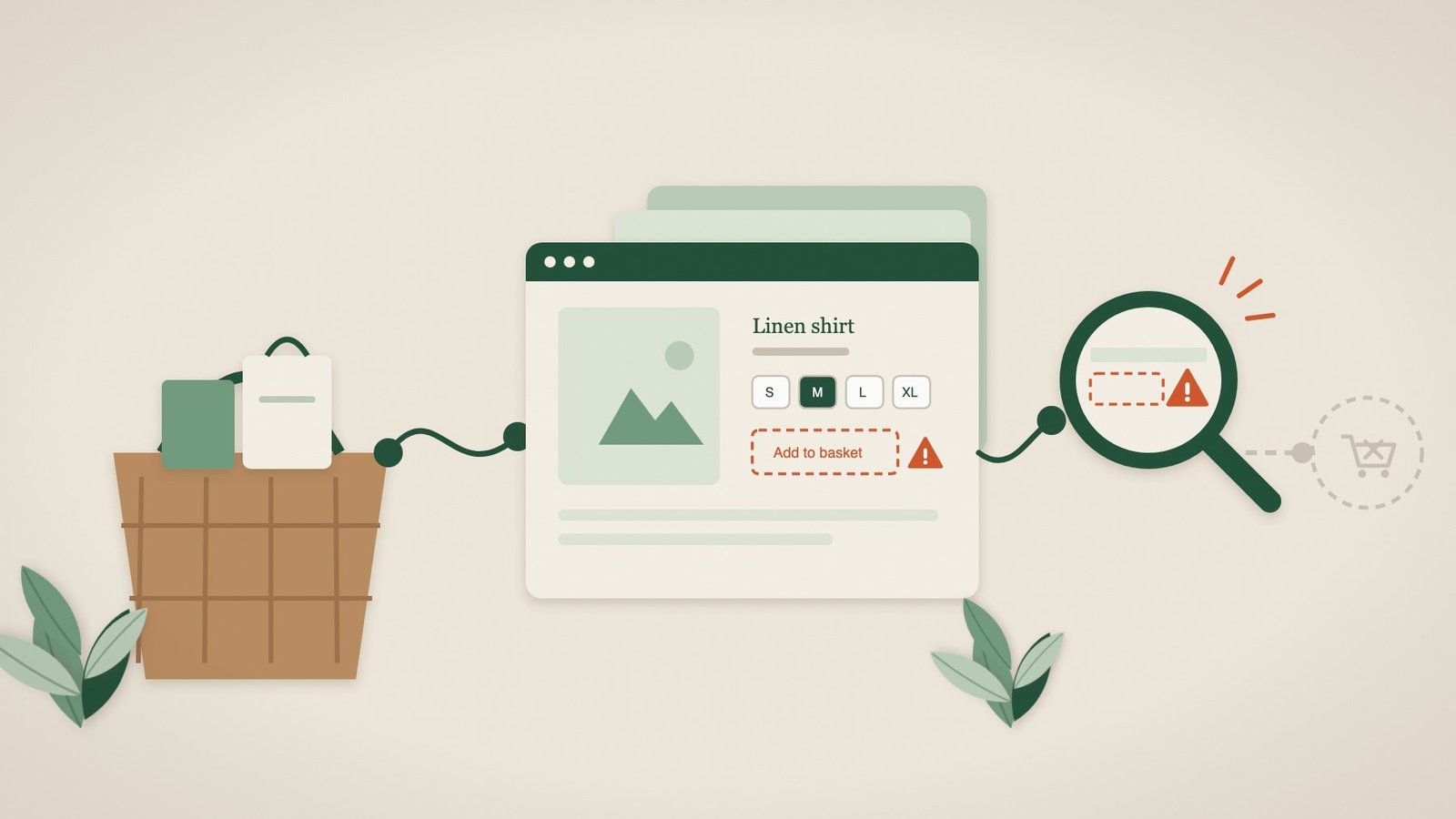
Sales are down this week. Maybe it is the weather, a competitor’s promotion or the end of the month. Or maybe the Add to basket button stopped working on Tuesday, and every visitor since then has left without buying.
For an online shop, the most damaging faults are rarely the dramatic ones. A website that goes down completely gets noticed within minutes. A checkout that fails for some customers, on some products or only on phones can go unnoticed for days, because from the inside it just looks like a quiet week.
Quiet or broken? How to tell the difference
Look at the shape of the drop. Demand usually changes gradually: fewer visitors, and fewer of them buying. A breakage looks different:
- Visitors are normal but orders fall sharply, or stop, from a particular day or time.
- Add-to-basket or begin-checkout events in your analytics drop towards zero while product-page views stay normal.
- Orders still arrive on desktop but not on mobile, or for some products but not others.
- Customers email or message to ask whether you are still trading or why they cannot pay.
- The drop starts soon after a theme update, a new app or plugin, a price change or a new cookie banner.
Silent failures that stop online shops taking orders
Add to basket does nothing
The button is there, but clicking it has no effect, or the basket count never changes. The usual cause is a JavaScript error introduced by a theme update, a new app or plugin, or a conflict between scripts. The product page looks perfect, so nobody on the team notices.
Size, colour or other options stop responding
Variant selectors are among the most fragile parts of a shop. If a customer cannot choose a size, the product effectively cannot be bought, even though it is in stock.
The basket empties or will not update
Changes to caching, cookies or security settings can stop the basket remembering what was added, particularly after a customer moves between pages.
Checkout will not load, or the payment step is missing
Checkout depends on several outside services: payment providers, address lookup, delivery options and fraud checks. If one fails to load, perhaps because a security setting blocks it or a script was changed, customers can reach checkout and find they cannot finish.
Problems only on phones
A cookie bar, chat widget or promotional pop-up can cover the Add to basket or Pay button on a small screen. Most shop owners check their website on a laptop; most customers buy on a phone.
Some products are broken, others are not
A single product template, collection or bundle can fail while the rest of the shop works. If you only ever test your best-seller, you will not see it.
A simple weekly checkout test
- On your phone, using mobile data and a private browsing window, open your shop from a Google search.
- Choose a product with options, select a size or colour and add it to the basket.
- Open the basket, change the quantity and continue to checkout.
- Enter a delivery address and check that delivery options and the payment step appear.
- Once a month, place a real low-value order and refund it, to prove the whole journey including payment and the confirmation email.
- Repeat the first three steps on a second product type, such as a bundle or a product from a different collection.
Why ordinary uptime monitoring misses these faults
Uptime monitoring checks that your shop’s pages reply. It is useful, and it will tell you if the whole shop goes down. But it does not click buttons, choose sizes or open the checkout, so none of the failures above will trigger an alert. Checkout abandonment reports, meanwhile, only tell you that people left, not whether they could have bought.
How Pulse helps online shops
Pulse follows the route a customer takes through your shop in a real browser, on a regular schedule, typically about every two hours. We agree the journey with you, for example opening a product, choosing an option, adding it to the basket and reaching checkout, and set up the checks for you.
- If a step fails, you get a plain-English alert with a screenshot of what the customer would have seen, and which step broke.
- You can monitor several representative products, so one broken template does not go unnoticed.
- Pulse confirms when the journey works again after a fix.
- Current monitoring stops before payment, so no real orders are placed. Controlled test orders are planned for a future Transaction tier.
Pulse works with the storefront customers see, whether it runs on Shopify, WooCommerce or another platform. Browser monitoring starts from £35 per website per month. See how ecommerce monitoring works.
Frequently asked questions
Does Pulse place test orders?
Not on the current plans. Pulse checks every step up to payment without buying anything. Controlled test orders with clean-up are planned for the Transaction tier.
Does Pulse work with Shopify and WooCommerce?
Yes. Pulse checks the live storefront in a standard browser, so it does not need a platform integration or access to your admin.
Will Pulse affect my analytics or stock levels?
Pulse does not complete purchases, so stock is not reduced. Its visits can appear in some analytics tools; Pulse blocks common analytics tracking by default to keep your reports clean.
How is this different from checkout abandonment reports?
Abandonment reports tell you that customers left. Pulse tells you whether a customer could have completed the step, with a screenshot when they could not.
Your website works 24/7. We make sure it stays that way.
Start with a free website health check, or tell us which products and checkout steps matter and we will set up the checks for you.