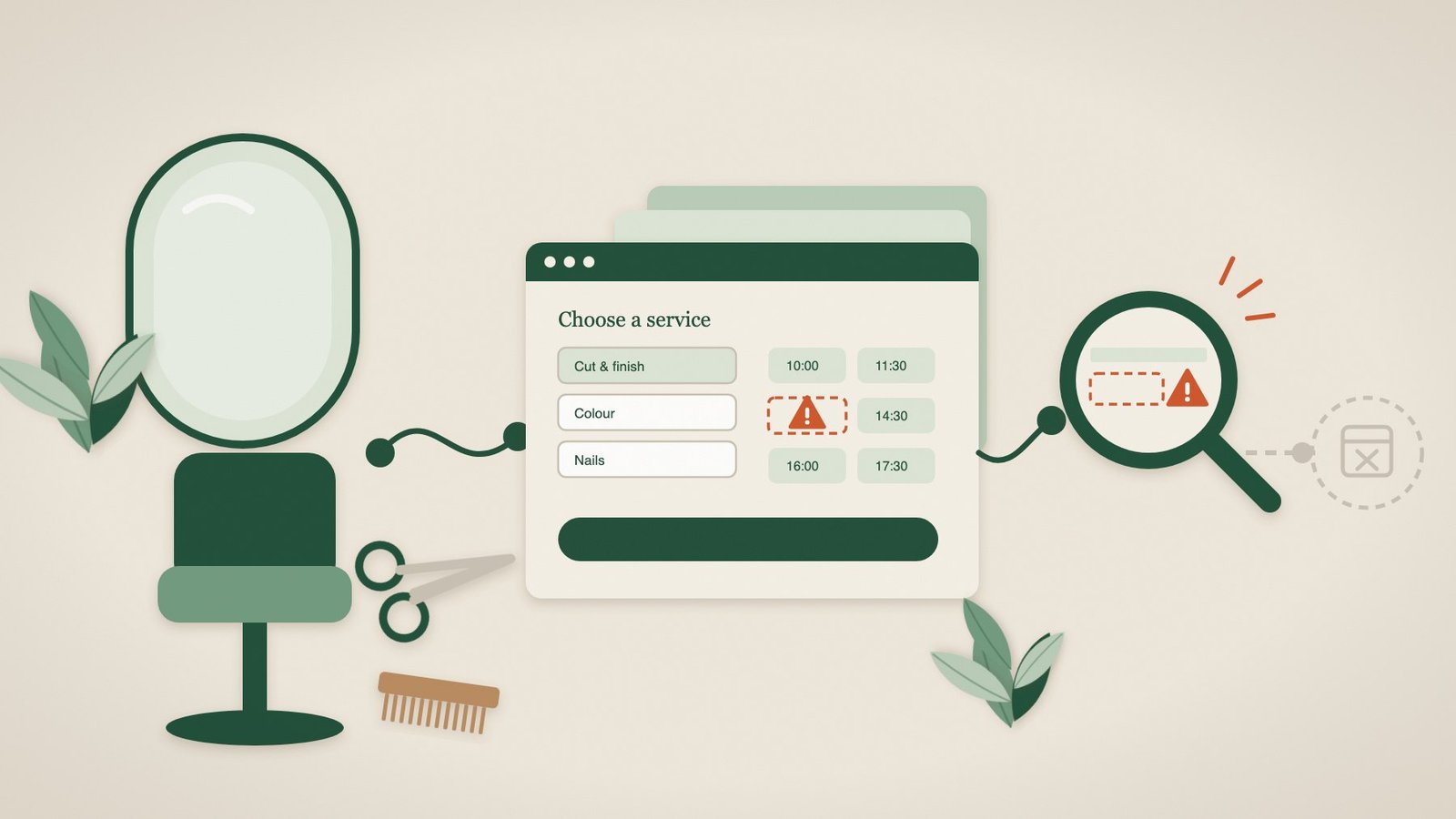
For a hair salon, barber, nail studio or beauty clinic, the diary is the business. An appointment slot that goes unbooked today can never be sold again. So when online booking quietly stops working, the cost is immediate, even if nobody notices for days.
Most salons now take a large share of bookings online, through a system such as Fresha, Treatwell, Phorest, Timely, Booksy or a booking plugin on their own website. Those systems are generally reliable. The weak point is usually the connection between your website and the booking system, and that is where this guide focuses.
Signs your salon’s online booking may be broken
- Online bookings have dropped, but walk-ins and phone calls have not.
- Clients message you on Instagram, Facebook or WhatsApp asking how to book, or saying “your link isn’t working”.
- New clients, who are most likely to book through your website, have slowed down more than regulars.
- Bookings still arrive through the booking app or marketplace, but not through your own website.
- Your website was recently updated, moved, redesigned or had a new cookie banner added.
None of these proves the booking journey is broken, but each is a good reason to test it today.
Why salon booking widgets stop working
Caching and speed plugins
Speed-optimisation and caching tools make websites faster by delaying or combining code. Booking widgets depend on that code running in the right order. When an optimisation setting changes, the widget can load without its services, show a blank calendar or not load at all. Our Reset Massage case study shows exactly this: caching broke the booking form on a website that otherwise looked and behaved normally.
Cookie banners blocking the booking system
Cookie consent tools can block third-party code until a visitor accepts cookies. If the booking widget is treated as optional, clients who click “Reject” may see an empty space where the booking system should be.
Out-of-date “Book now” links
After changing booking system or rebuilding your website, old links often survive in the menu, the footer, your Google Business Profile, Instagram bio, email signature and printed QR codes. Each is a route to an error page.
Services, staff or prices not appearing
Sometimes the widget loads but the journey stalls: a service category is empty, a stylist has no available times or a treatment has been hidden by mistake after a price change. From the outside, a client cannot tell a configuration mistake from a genuinely full diary.
Problems that only happen on phones
Most clients book on their phones. A chat bubble, cookie bar or sticky offer banner can cover the “Book” or “Next” button on a small screen, even though everything looks fine on a laptop at the front desk.
A 5-minute weekly booking check
Pick a quiet moment each week and book as a new client would, on your own phone and using mobile data:
- Open a private browsing window, search for your salon on Google and tap through to your website.
- Tap the main “Book now” button. Check it opens the right booking system, not an old page.
- Choose a popular service and a stylist or therapist, then pick a date and time.
- Go as far as the final confirmation step without confirming, or book and cancel a test appointment if your system allows it.
- Repeat once after rejecting cookies, and check the booking link in your Instagram bio and Google Business Profile.
Write down the date and result. If something fails, a screenshot showing what you saw will make the fix much faster, whether it is your web designer or your booking provider who needs to act.
Why you are usually the last to know
Clients who cannot book rarely call to report it. Some message you; most simply book with the salon that comes up next. Meanwhile, the ordinary checks that tell you your website is “up” only confirm that the server replied, not that a client could choose a service and a time. That gap between “online” and “working” is where lost appointments hide.
How Pulse helps salons and beauty businesses
Pulse checks your booking journey for you, in a real browser and on a regular schedule, typically about every two hours. We agree the route with you, for example opening your booking widget, choosing a service and seeing available times, and set up the checks. No scripts, no technical setup.
- If the widget does not load, services do not appear or times cannot be chosen, you get a plain-English alert with a screenshot of what a client would have seen.
- Pulse keeps checking and tells you when the booking journey works again.
- Pulse stops before confirming, so it never creates fake appointments or blocks real slots in your diary.
- It works with the booking journey on your website, whichever booking system you use.
Browser monitoring starts from £35 per website per month, and a free availability and SSL check is available to get started. See how booking monitoring works.
Frequently asked questions
Does Pulse work with Fresha, Treatwell, Phorest, Timely or Booksy?
Pulse checks the booking journey as a client experiences it on your website, in a standard browser, rather than connecting to the booking system itself. That means it can monitor most embedded widgets and booking links, whichever system you use. We confirm the steps before setup.
Will Pulse book fake appointments?
No. Current monitoring stops before the final confirmation, so nothing is added to your diary.
My bookings come through an app or marketplace. Do I still need this?
If some clients book through your own website, Instagram link or Google Business Profile, those routes can break independently of the app. Pulse checks the routes you tell us matter.
Who gets the alert?
Whoever you choose: the salon owner, a manager or the person who looks after your website. Alerts are written in plain English and include the evidence needed to fix the problem.
Your website works 24/7. We make sure it stays that way.
Find out before your clients do. Start with a free website health check, or tell us about your booking journey and we will set up the checks for you.